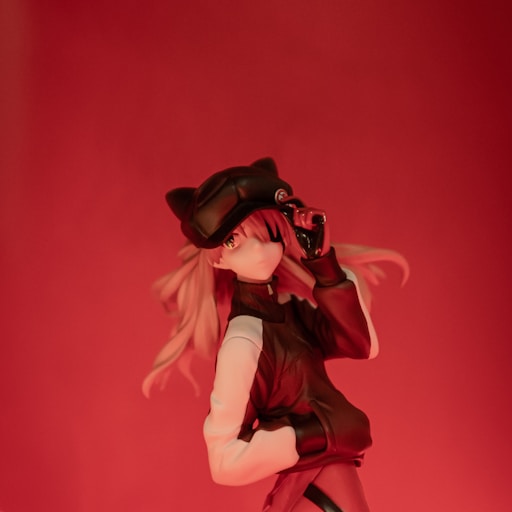
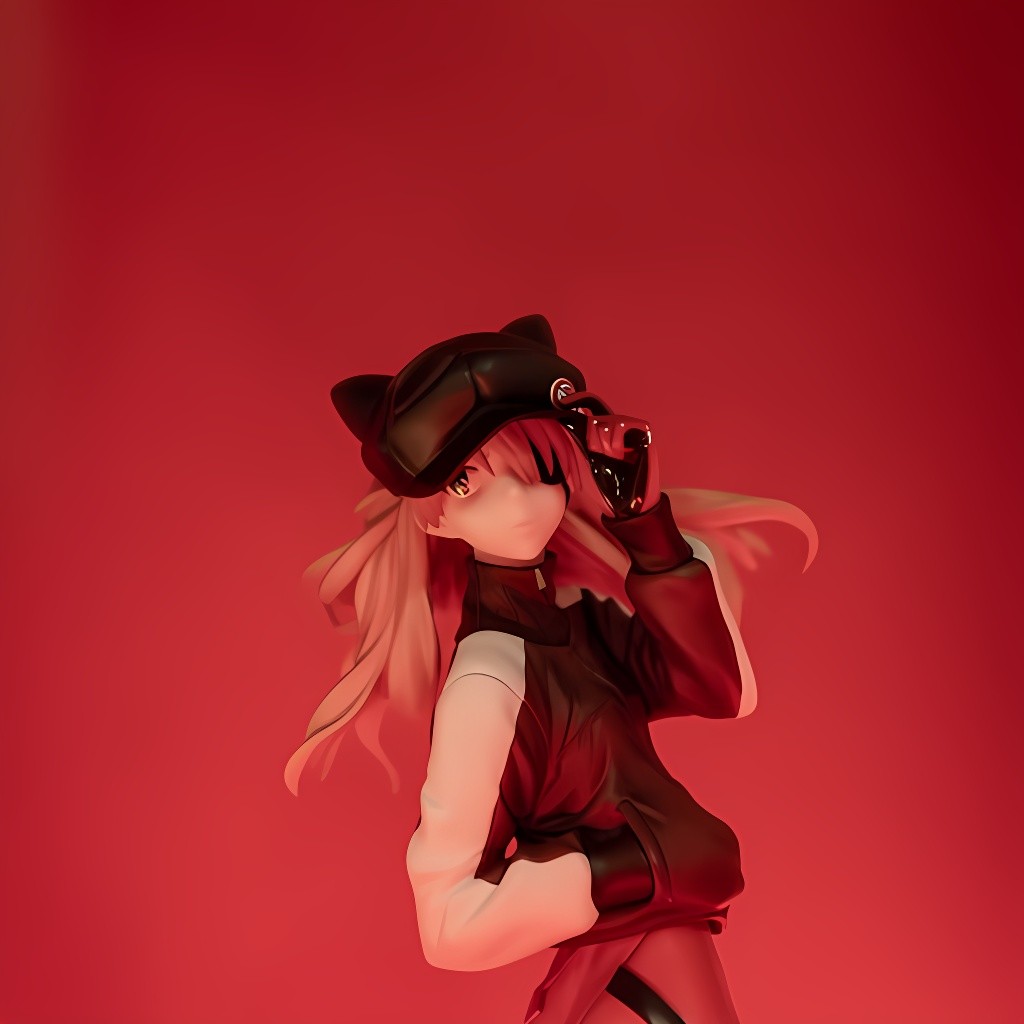
4×Anime
Drag slider to compare
Anime & illustration model
Sharpen line art, flat fills, and Midjourney-style exports without photo-model halos. The Anime checkpoint on Pixlift Enhancer is tuned for illustration — available on Pro.
Anime model · Pro plan · Up to 4× scale · 200 upscales/day on Pro
Upscale Midjourney, Stable Diffusion, and flat-color artwork with the Anime model — sharpens line work and color boundaries while limiting the halos and over-sharpening common in general photo upscalers. Built for illustrators, game art, and AI-image workflows.
Drag slider to compare
Drop a PNG, JPEG, or WebP export from Midjourney, Stable Diffusion, or your drawing app. Paid plans support files up to 50 MB.
Choose the Anime model and 2× or 4× scale. Anime is capped at 4× to avoid edge halos on flat color regions.
Inspect line sharpness and color boundaries with the before/after slider, then download the upscaled file.
General photo upscalers often add skin-tone sharpening and noise on flat fills. Anime preserves cel-shaded edges and ink lines.
Ideal for Midjourney, SDXL, and game sprite enlargement when you need web or print resolution from a small export.
4× maximum on Anime reduces mushy color blobs. For mixed photo+art scenes, run General or split layers.
No. Anime requires a Pro or Unlimited plan. Free tier includes the General model at 2× for testing overall quality.
Anime supports up to 4× enlargement. Face and General models on Pro support up to 8× for photographic content.
Yes. Midjourney, DALL·E, and flat illustration PNGs are the primary use case — upload directly to the workspace with Anime selected.
Open the workspace with Anime pre-selected — compare at 100% zoom before you download.